
Appearance
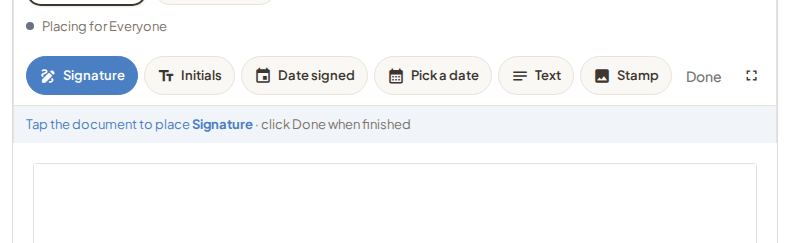
Fields are what people fill in: signature, initials, date, short text, and similar tools in the editor.
Place a field on the page, size it, and assign it to the person who should complete it.
Who fills what
- Assign a field to a named signer when that person owns it.
- Turn on signing order when people must finish one after another. The next person is invited when the previous required signer is done.
- On templates, assign fields to chairs (role labels like Teacher or Parent). You fill in real names and emails when you start a request from the template.
Every required action should have a field. If something is only “in the PDF for them to notice,” it often gets missed.
Wrong placement after you already sent? Cancel, then Start a new draft (or Use template). Use Correct for people and message changes, not for moving fields.